
Using the Watchlist Badge for Your Product Profile
Display the Watchlist Badge on your OMR Reviews product profile to highlight your tool as a must-watch solution and boost visibility
Watchlist Badge: The recognition for tools that are on the watchlist.
In addition to rating-based badges, OMR Reviews also awards special recognitions that are given at specific times or under particular conditions.
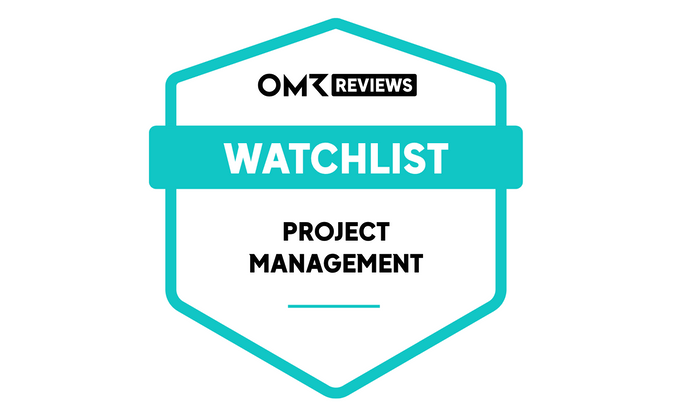
As an OMR Reviews partner, you get the Watchlist Badge when you use the Professional package. It highlights your software as a tool-to-watch for a month of your choice and creates additional relevance and reach.
You can request the Watchlist Badge for a month of your choice from your Customer Success Manager. In the selected month, it will be activated on your OMR Reviews product profile. Additionally, we'll send you the badge URLs in PNG and SVG format via email so you can use them on your own channels for your social proof marketing.
Even though the badge is only active on your OMR Reviews product profile for one month, it remains dated to that specific year. This gives it longer relevance and lets you keep it in your channels and materials for a longer period.
For additional reach, the Watchlist Badge will be featured in a post on the OMR Reviews LinkedIn channel during your chosen month. In this post, all OMR Reviews partners who requested the badge for that month will be mentioned, and their LinkedIn profiles will be linked for extra attention and visibility.
⚠️ Please note:
With the Professional package, you can use one Watchlist Badge per year. Make sure you request the badge in time so your tool can be included in the LinkedIn post.
💡 Tip:
The Watchlist Badge is often used to generate extra attention during your chosen month and boost reach for product updates, website relaunches, or upcoming trade shows and events. In the product context, the badge serves as a differentiator to highlight innovations and stand out from the competition.
 Powered by happysupport.ai