
Logging into OMRviewer for Software Providers
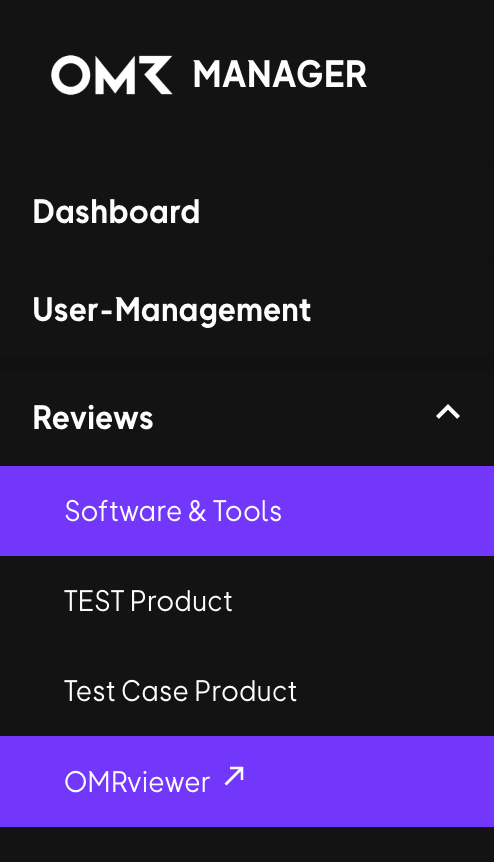
Log into OMRviewer through OMR Manager by clicking Reviews in the left menu, then selecting OMRviewer to access your buyer intent data and reviews analytics
Log into OMRviewer to get access to your OMR Reviews buyer intent data.
 -Feb-18-2025-02-38-30-3378-PM)
-
Sign in to OMR Manager.
-
Click on Reviews in the left menu.
-
Scroll down and click on OMRviewer at the bottom of the menu.
-
A new window opens and you're logged into OMRviewer.
Last updated  Powered by happysupport.ai
Powered by happysupport.ai© 2026 HappySupport. All rights reserved.