
Your PPC Journey: From Signed Contract to Running Campaign
Track your PPC campaign setup across five phases from contract signature through go-live, including budget allocation and automated platform emails
The complete process in five phases: who does what, which emails arrive, how budget and billing work
Here's what's waiting for you in this article 👇
- What is PPC?
- What you can achieve with PPC
- Overview: your journey in five phases
- Phase 1: Your contract is signed
- Phase 2: What we need from you
- Phase 3: Your campaigns and ads are created
- Phase 4: Go-live and dashboard access
- Phase 5: Which emails you'll get from us
- Budget and billing
- Changes, optimization, and who's here for you
What is PPC?
PPC stands for "Pay per Click" - you pay for each click. You run your ads on OMR Reviews and only pay when someone actually clicks on them. If your ad is shown to many people but nobody clicks it, you don't pay anything. These impressions are completely free for you.
The five terms you need to know
| Term | What it means |
|---|---|
| Impression | A view. Your ad was shown to someone. |
| Click | Someone clicked on your ad. That's what you pay for. |
| CTR | Click-through rate. The share of impressions that resulted in a click. |
| CPC | Cost per click. What a single click costs you. |
| Landing page | The page on your website where a click is directed. |
Where your ads appear
Your ads can show up in various places on OMR Reviews, for example in articles, software overviews, on comparison pages, or directly on product pages. What matters is that the content matches your selected categories.
There's no fixed list of URLs. Your ads are shown where they make sense content-wise and fit the context.
What a click costs
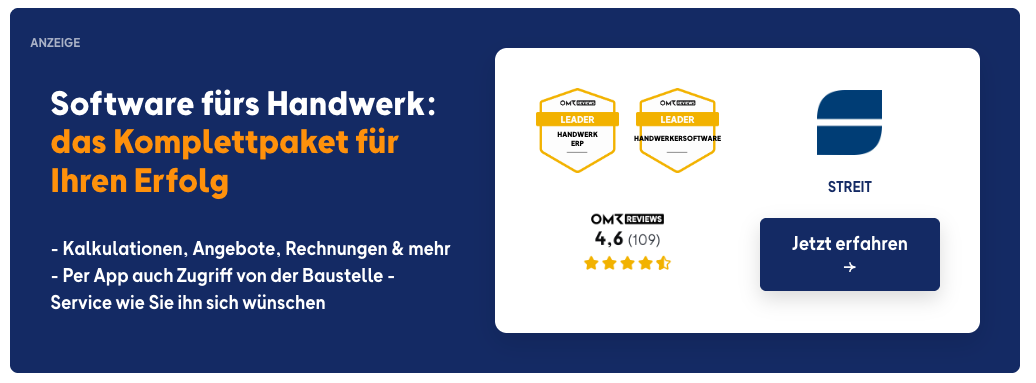
Each category has its own click price. If you choose multiple categories, you pay the average of the selected categories. Only clicks from Germany, Austria, and Switzerland are charged. We filter out bots reliably.
What you can achieve with PPC
On OMR Reviews, users research various software solutions. With PPC, your ads can be shown in this environment when the selected categories match the content.
You decide which categories your ads should appear in. Your ads are then shown on matching content within OMR Reviews. For example, your ads can appear in articles, software overviews, on comparison pages, or product pages. Exactly where an ad is shown depends on the specific content and the category you've chosen.
In the dashboard, you can see the clicks and associated spending and track how your campaign is performing.
👉 Learn more about the PPC Dashboard
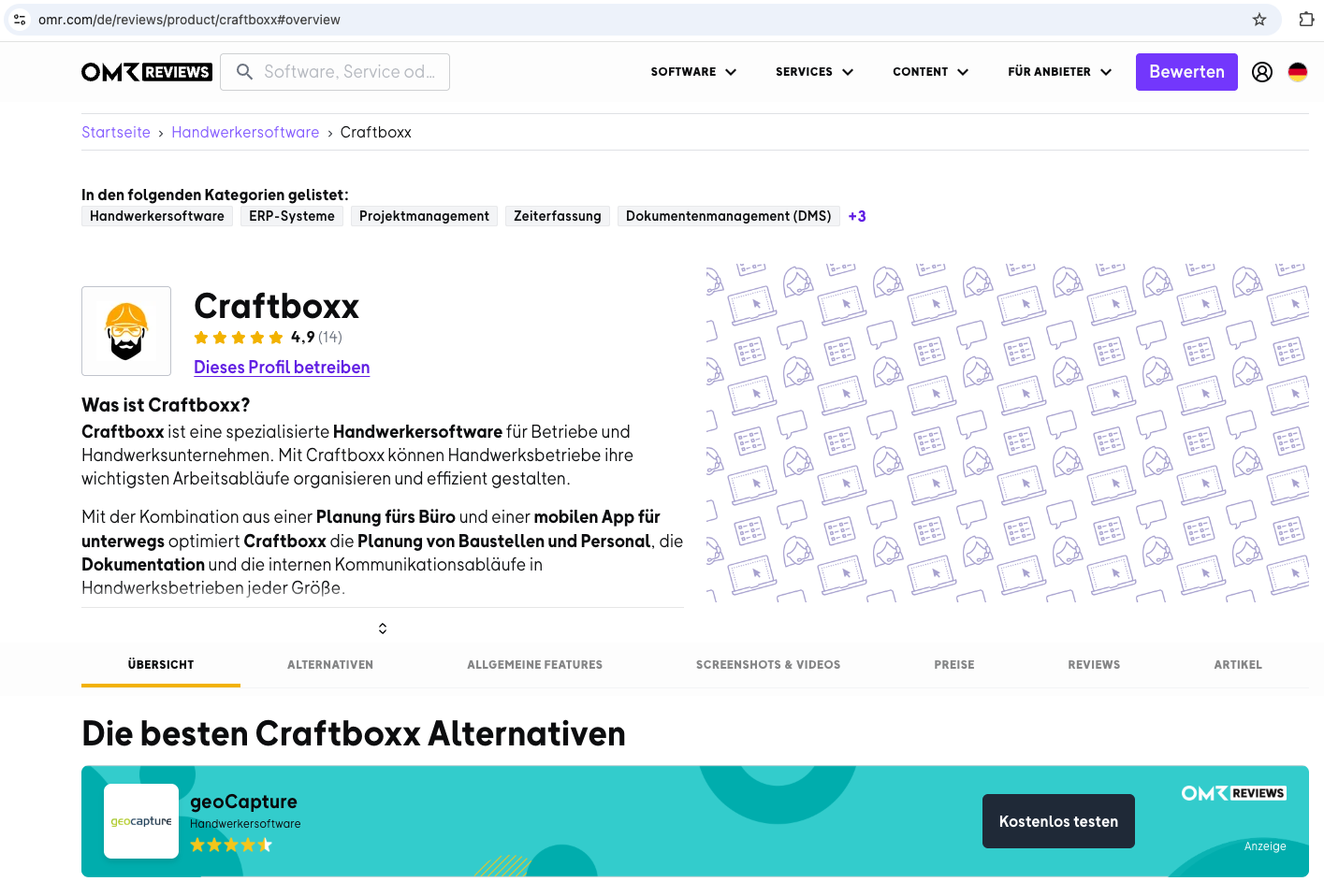
One format really stands out: the competitor profile. With this, you appear as an alternative on product pages of other providers - exactly where someone is already interested in a solution.
What PPC isn't for
- No booking of individual pages. You can't book a specific URL. Where your ads run is determined by your categories.
- No self-management. The dashboard shows you the numbers. We handle any changes to banners, target URLs, or categories for you.
Overview: your journey in five phases
Between signing and your first click, there are five phases. We handle most of it. We need something from you at three points.
| Phase | What happens on our end | What you do |
|---|---|---|
| 1. Contract signed | We set up your ad account and get in touch. | Nothing. We'll reach out to you. |
| 2. Onboarding | We send you the onboarding form. | Provide categories, landing pages, and ad materials. |
| 3. Campaigns and ads | We build your campaigns and ads. | Review your ad materials. |
| 4. Go-live | Your ads go live, your dashboard is created. | Confirm your email address. |
| 5. Running operation | We bill monthly and optimize with you. | Track numbers in your dashboard. |
Phase 1: Your contract is signed
Once your contract is fully signed, your ad account is set up automatically. It's the foundation for everything that follows: campaigns, ads, reporting, and billing all depend on it.
- Ad account: set up immediately after the contract is signed.
- First email: you automatically receive our onboarding email with next steps.
- Campaigns and ads: our team builds these afterwards. We need the information from Phase 2 for that.
PPC contracts run for a minimum of twelve months. You can cancel up to four weeks before the end of the term; otherwise, the contract automatically extends for another twelve months.
Phase 2: What we need from you
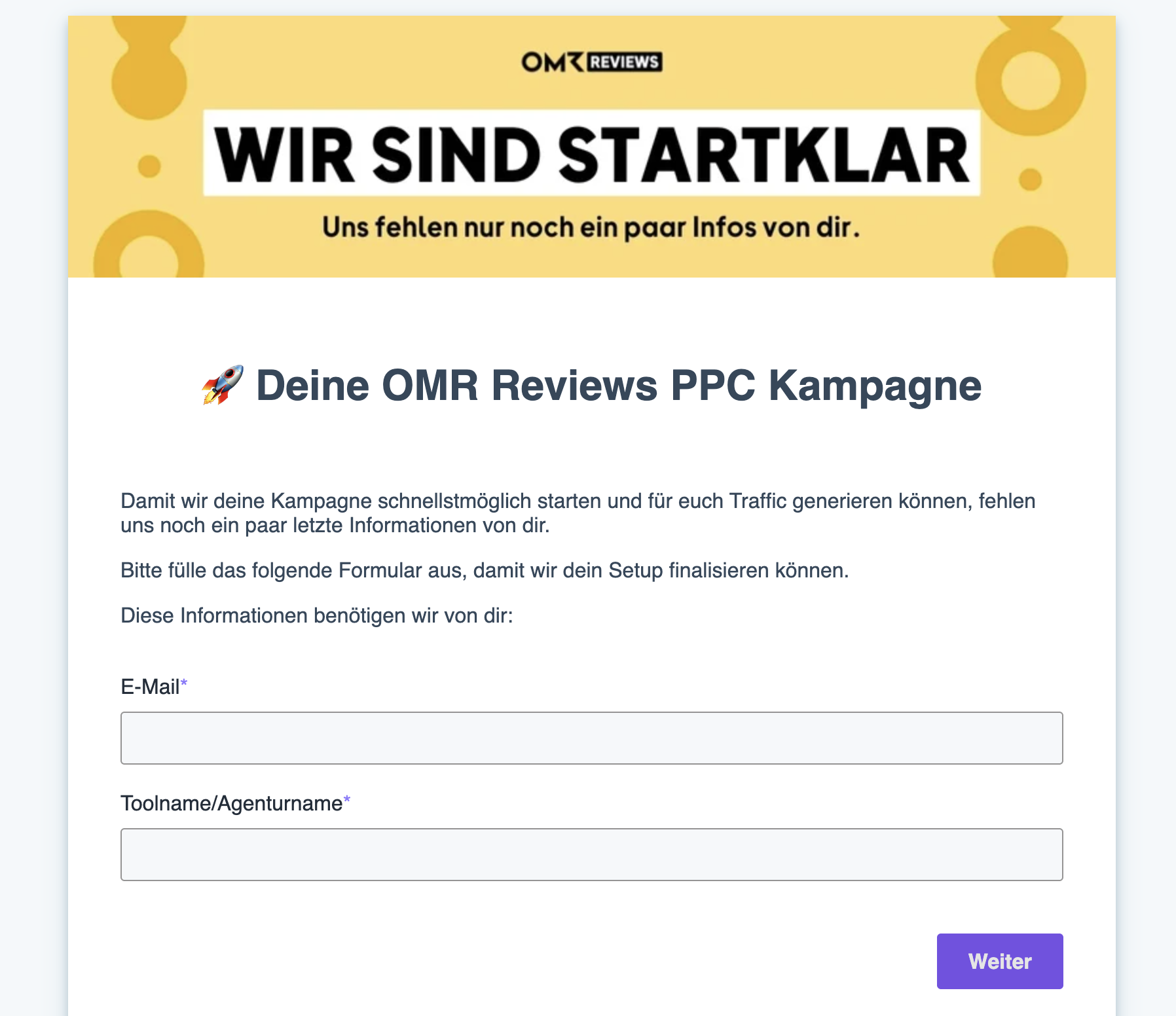
It all starts with the onboarding form. It comes by email from cs-reviews@omr.com and collects everything we need to build your campaigns. The more completely you fill it out, the faster your ads go live.
Choose categories
You decide which categories you want to be visible in. How this determines your click price is explained above under "What is PPC?"
Enter landing pages and UTM parameters
- Landing pages: For each category or article you've chosen, enter the appropriate landing page where users will be directed.
- UTM parameters: Integrate them directly into your landing page URLs or send us general UTMs for campaign evaluation. You can use
utm_source,utm_medium,utm_content, andutm_term.
Provide your own ad materials or have us design them
- Your own banners: upload them directly through the form.
- Designed by OMR: provide your logo, colors, and key message, we'll handle the design.
- Two versions in parallel: you can run your own banner and one designed by us at the same time. The better-performing version will be shown more frequently.
👉 You'll find formats, sizes, and the three ways to create a banner in the article "Create banners for PPC ads".
Set a budget or leave it for later
You don't need to set a limit to start. If you want to cap your spending, we can add a monthly budget anytime, even later. How the monthly budget works is explained below under "Budget and billing".
Phase 3: Your campaigns and ads are created
We build the campaigns from your information, with one separate campaign for each ad format. Which formats are relevant for you depends on your categories.
| Ad format | Where it appears | Abbreviation in dashboard |
|---|---|---|
| Banner | Graphic, clickable ad in relevant articles | CH |
| Text link | Contextual mention in articles and overviews | TL |
| Recommendation box | Listed as a recommended provider in articles and overviews | RB |
| Comparison page | Entry on pages with direct comparisons | CP |
| Competitor profile | Ad on product pages of other providers | ATP, PDP |
In the dashboard, you'll see the abbreviations from this table instead of individual page addresses. Examples of all formats can be found in Step by step to your PPC ad.
Phase 4: Go-live and dashboard access
- Confirm your email address: You'll receive a confirmation email from OMR Reviews. We can only give you dashboard access after you've confirmed.
- Dashboard is created: After confirmation, your personal PPC dashboard is set up.
- Campaign launch: We confirm that your ads are live.
In the dashboard, you see impressions, clicks, CTR, and costs. The numbers are available for yesterday, the last seven days, and the current month. You can break them down to individual banners. How to work with them is explained in OMR Reviews PPC Dashboard.
Phase 5: Which emails you'll get from us
So you know what to expect from each email we send, here's the complete overview: when it arrives, who it's from, and what it contains.
| When it arrives | Sender | What it contains | |
|---|---|---|---|
| Onboarding email | Right after contract signing | OMR Reviews, automatic | Welcome message and next steps |
| Onboarding form | After that | cs-reviews@omr.com | Request for categories, landing pages, and ad materials |
| Confirmation email | Before campaign launch | OMR Reviews | Confirmation link to activate your dashboard |
| Invoice | Beginning of each following month | OMR | Billing for billable clicks from the previous month |
You'll find the full text of each email above in the respective phases.
Budget and billing
- Only DACH clicks are billed. International clicks appear in your dashboard but don't cost you anything.
- The click count in the dashboard differs from your invoice. The dashboard shows all clicks, but the invoice only shows billable ones.
- The monthly budget is a soft limit. Once it's reached, your campaigns pause and restart at the beginning of the month. You'll never be charged more than your agreed budget.
- You can't see your remaining budget in the dashboard. You can only calculate it from the current month's costs.
- eCPM is not a billing rate. The value is just a metric. We bill exclusively per click.
- For text links, clicks to your OMR profile are free. We only charge for clicks that go to your own website.
- Billing happens monthly at the beginning of the following month.
Changes, optimization, and who's here for you
Your campaign isn't set in stone. Target URLs, UTM parameters, banners, additional categories, excluding specific articles: you can change all of this anytime. Just send a quick email to cs-reviews@omr.com. The dashboard itself is pure reporting; you can't make changes there.
Optimization call: After two to three months, we have enough data to fine-tune together. Which categories perform, which banners work best, where additional budget makes sense. We'll reach out to you for that.
Got a single question? Check out FAQs: Pay-per-Click (PPC)
 Powered by happysupport.ai